How to make a children's book for Amazon KDP with AI
Self-publishing a picture book on Amazon KDP needs two things the AI tools you know do not give you: the same characters on every page, and print files in the exact sizes KDP asks for. This is the full workflow, from the first character to the upload.
Design your characters and places
Describe each character once, or start from a photo. Each one becomes a pair of reference images that every page is drawn from. Recurring places, like a bedroom or a jungle clearing, are made once too.
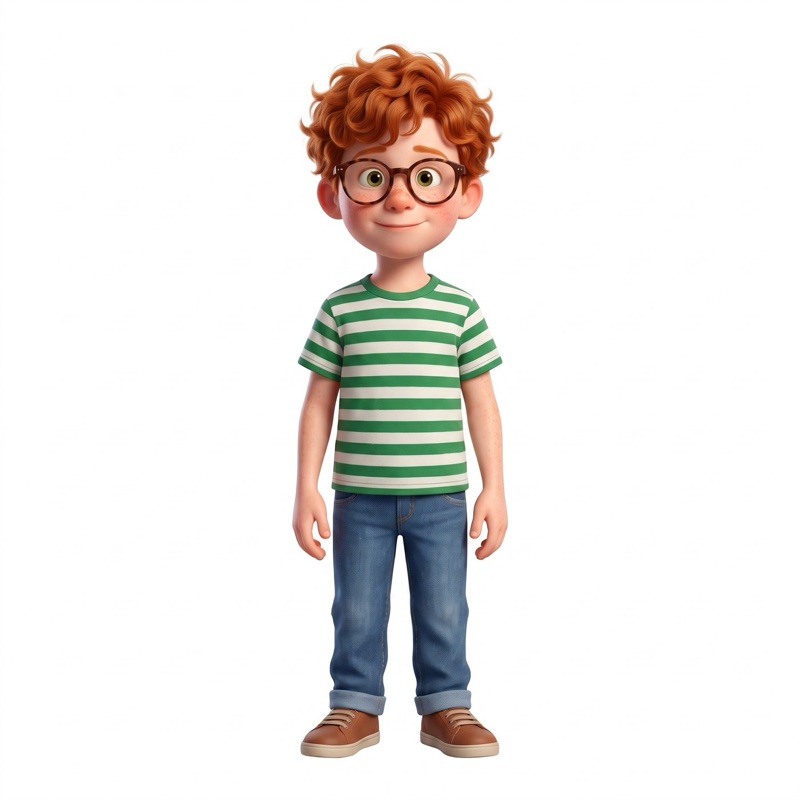
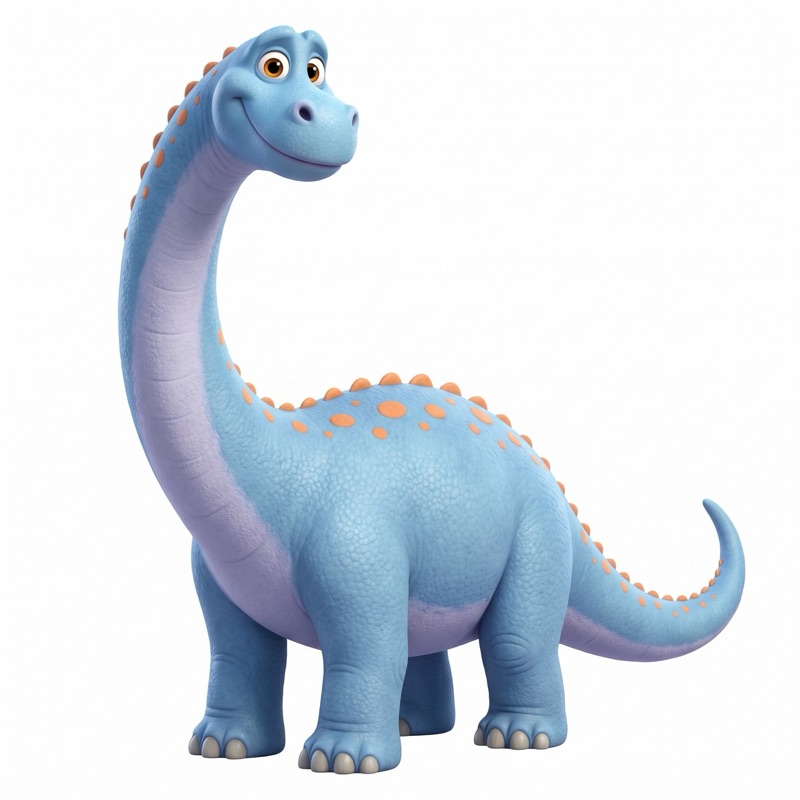
Write each page in one sentence
Pick the characters and the place, say what happens, and the page is painted. If something is off, say it in one sentence and that page is fixed.
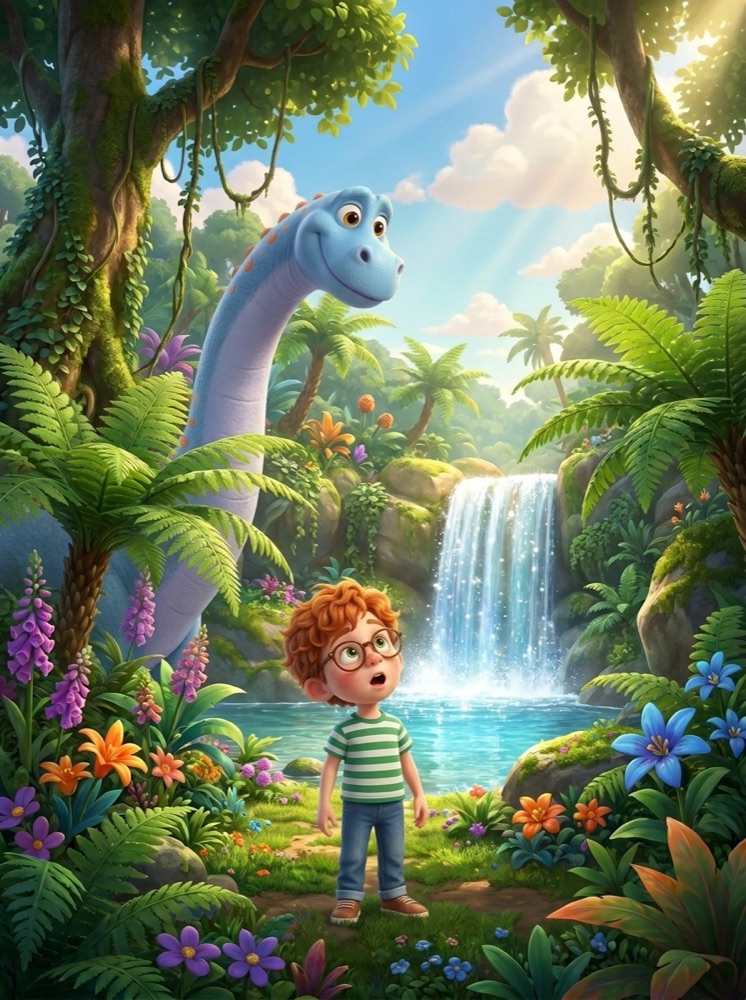
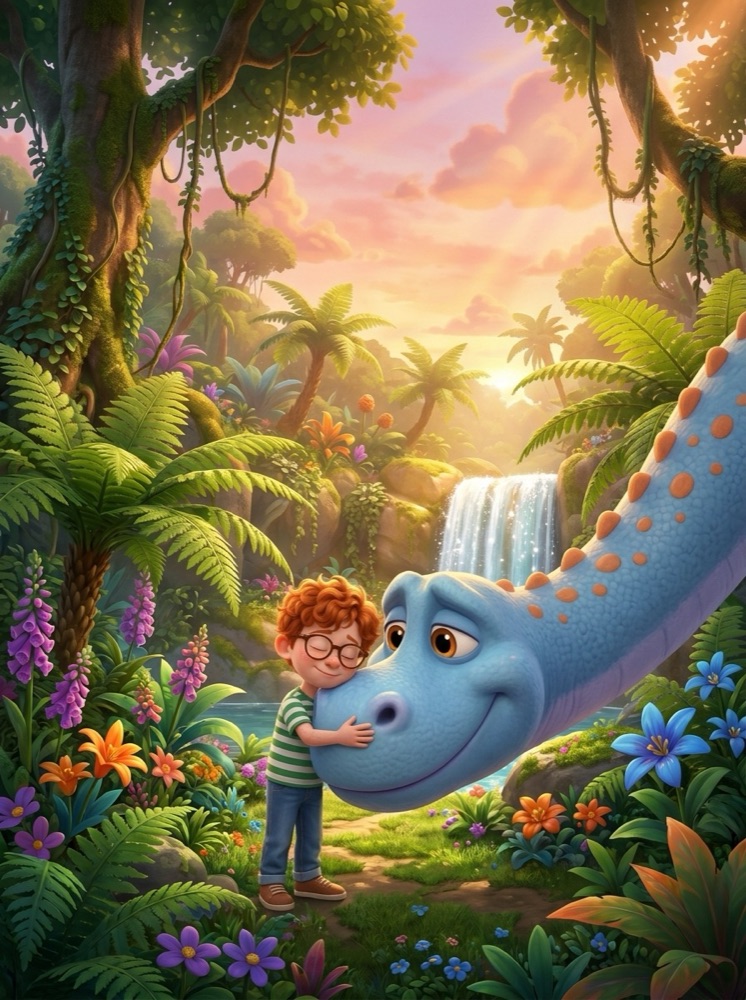
- Five illustration styles: watercolor, classic sketch, 3D animated, anime and cinematic
- Separate text for the reader, so the words in the book are yours, not the image prompt
- 1 credit per page, and 1 credit for a one-sentence fix
Front and back cover, with a readable title
Make the front and back cover from your cast, then set the title, the author line and a background behind the text so it reads clearly in print.
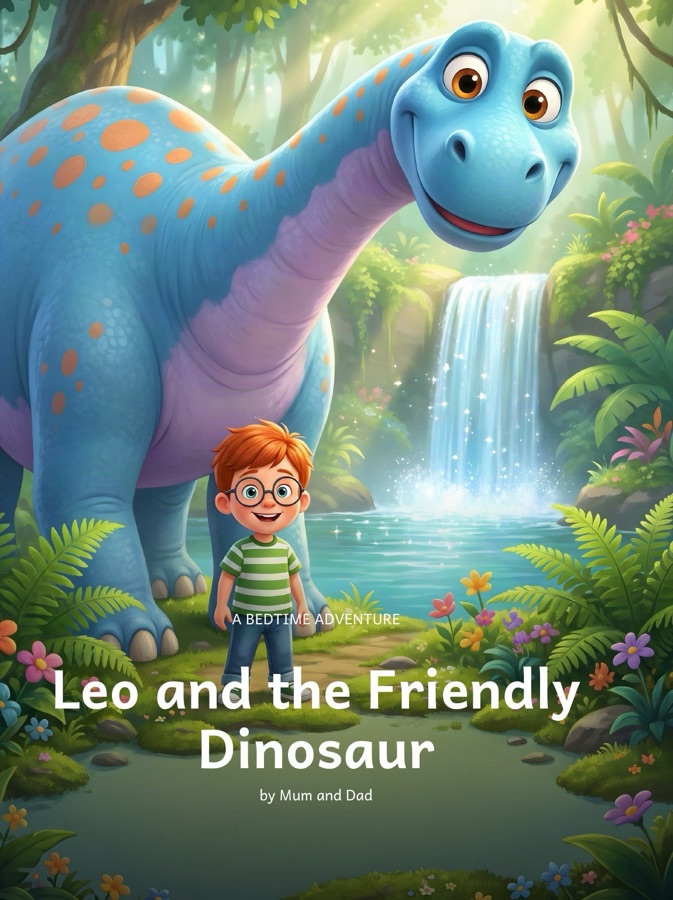
The two files KDP asks for
KDP takes a picture book as two PDFs: the interior and a single cover wrap. CreateBooksAI exports both.
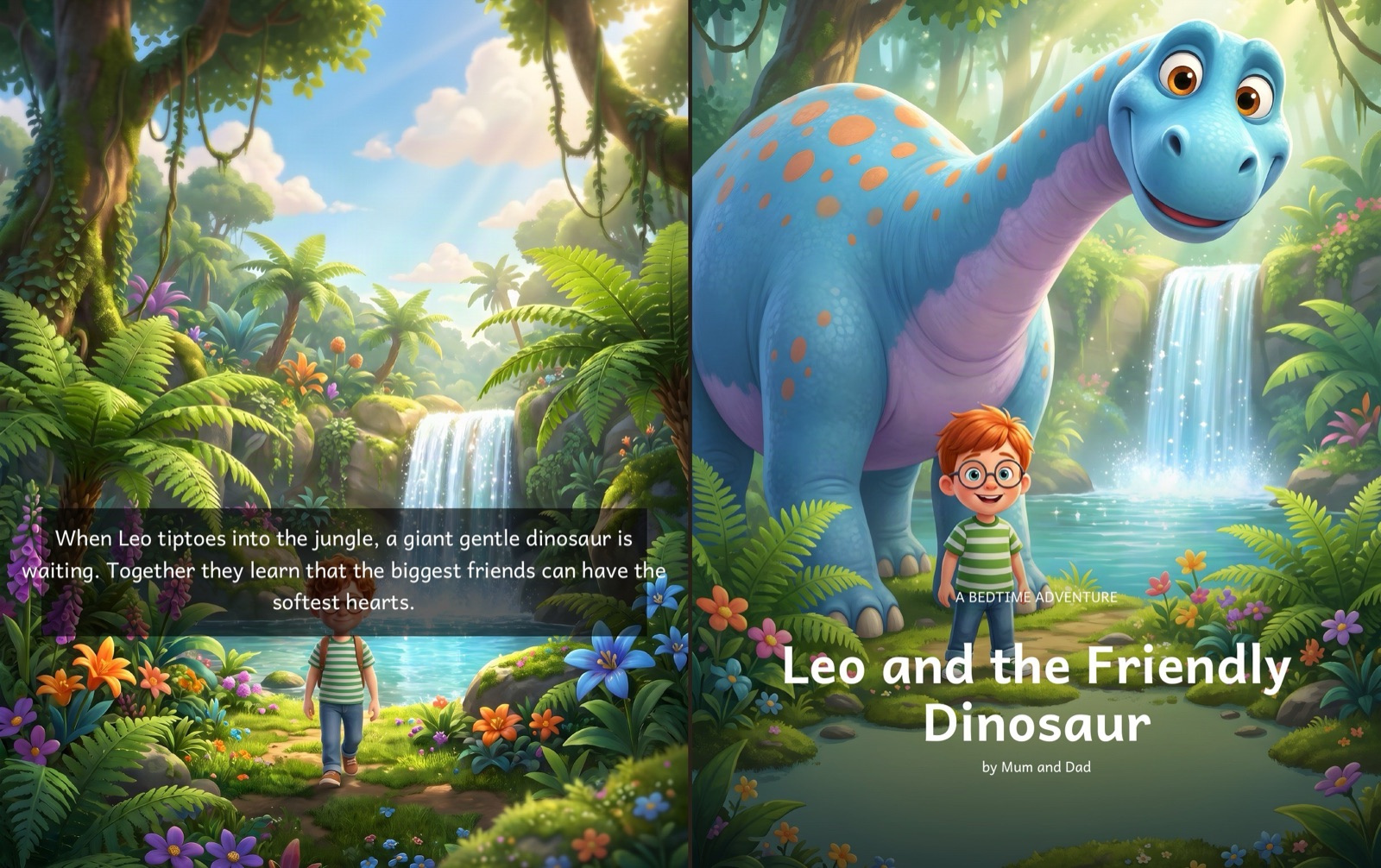
The cover wrap: back, spine and front as one PDF.
- Trim sizes KDP prints: 8.5 x 8.5 in square, 8 x 10 in portrait or 8.25 x 6 in landscape, with bleed
- At least 24 pages, always even. KDP's paperback minimum is 24 pages; the interior is padded to meet it
- Spine width from the page count, so the wrap fits the printed book
- Print resolution at no extra cost: every page is upscaled to over 300 DPI when you export
Step-by-step screens for every stage are in the publishing guide.
Frequently asked
Can I publish an AI-illustrated children's book on Amazon KDP?
Yes. KDP accepts AI-generated images, but asks you to disclose AI-generated content when you publish. You need the rights to your text and a print-ready interior and cover.
What trim size should a picture book use on KDP?
8.5 x 8.5 inches is the most common square picture book size. CreateBooksAI also exports 8 x 10 inch portrait and 8.25 x 6 inch landscape, all with bleed.
How many pages does a KDP paperback need?
At least 24 pages. CreateBooksAI pads the interior to 24 pages and to an even page count, and sizes the spine from the final page count.
How much does it cost to illustrate a picture book with CreateBooksAI?
About 15 to 25 credits for a short picture book: 2 per character, 1 per place, 1 per page and 1 for the cover. Single Spark is $14.99 for 50 credits, the Creator Pack $24.99 for 100 credits and the Publisher Pack $89.99 for 400 credits, about $0.22 to $0.30 per image. There is no subscription.