How to sell your picture book or coloring book on Amazon KDP
Amazon KDP prints each copy when someone orders it and pays you a royalty, so there is no stock to buy and nothing to ship. Here is how to put the book you made in CreateBooksAI on sale, and what you earn per copy.
Set up your KDP account
Sign in at kdp.amazon.com with your Amazon account, then complete Your Account: your author or publisher name, the tax interview and the bank account royalties are paid into.
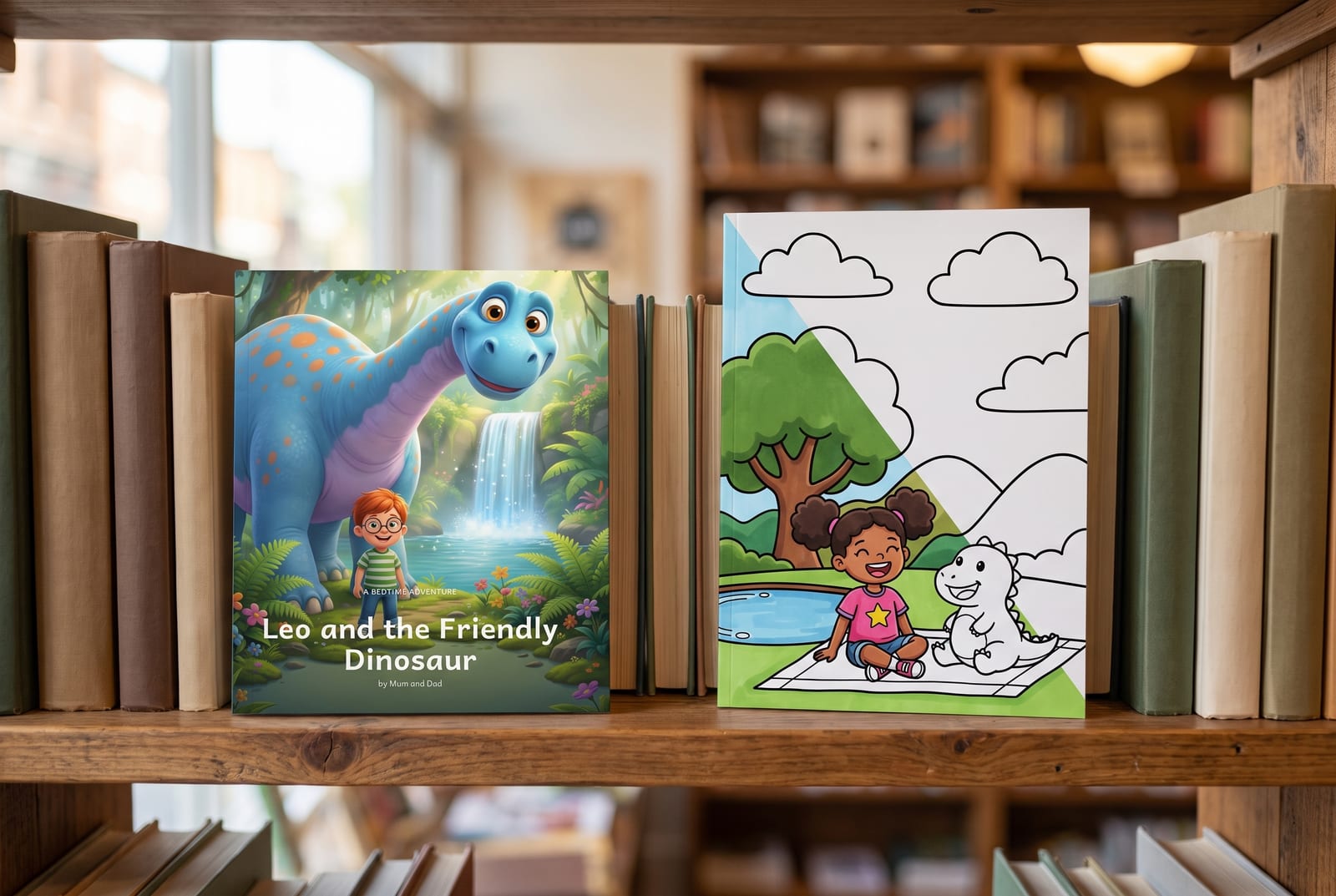
Describe the book for shoppers
Choose Create, then Paperback. This page is what people see on Amazon, so take your time.
- Title and subtitle: say what it is, for example "A Bedtime Story About Courage" or "A Dinosaur Coloring Book for Kids Ages 3 to 6"
- Description: a few short lines on the story, who it is for and why they will love it
- Keywords: up to seven phrases parents search for, such as "dinosaur book for toddlers"
- Categories and reading age: pick children's categories and the age your book is for
- Publishing rights: choose that you own the copyright and hold the publishing rights
Upload your files from CreateBooksAI
In Paperback Content, use the settings that match your book, then upload the two PDFs from Export book.
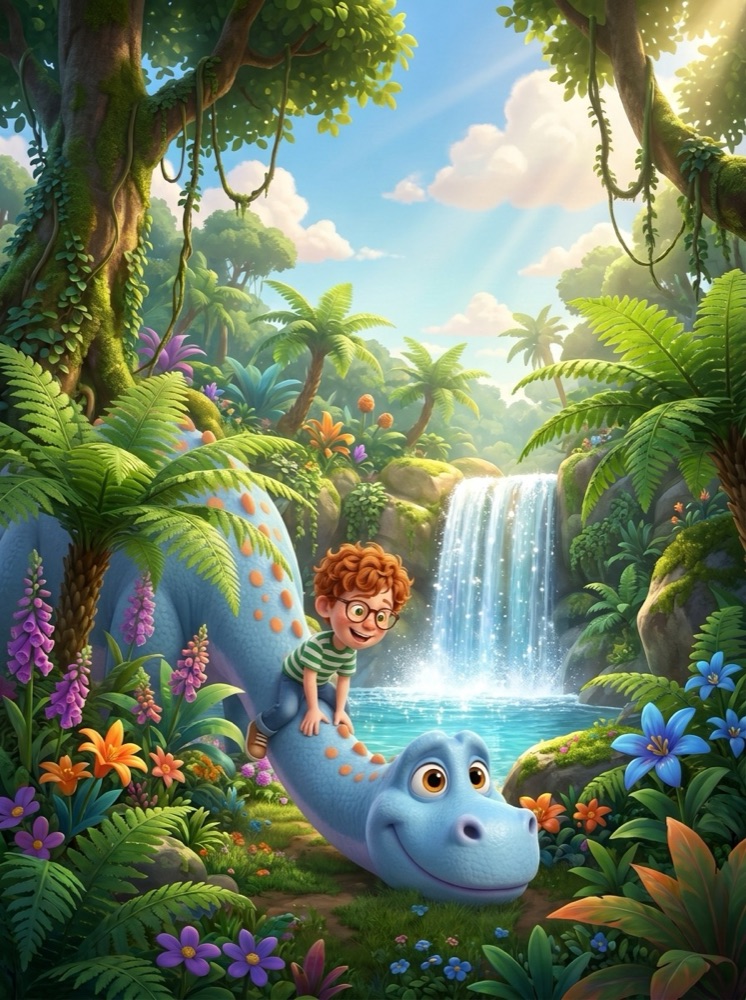
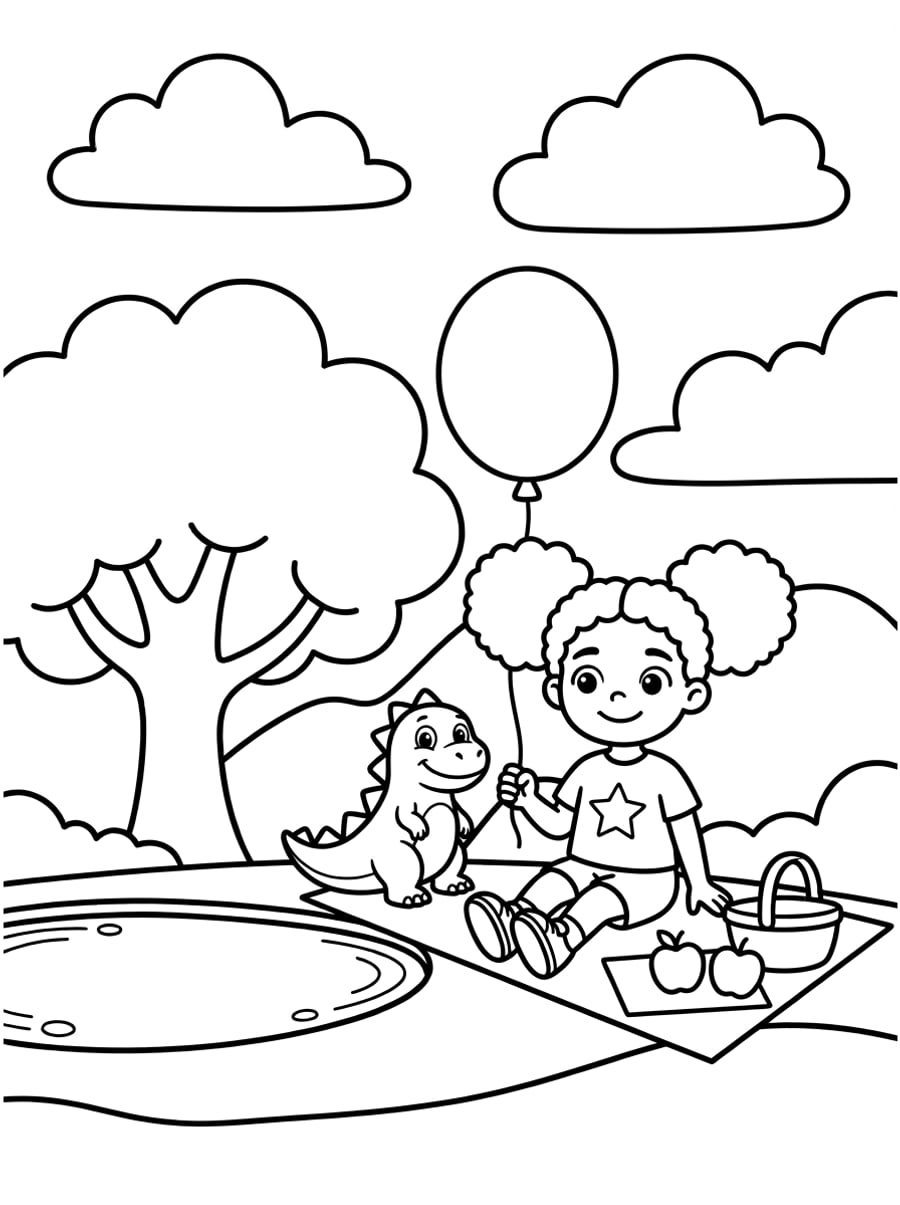
A picture book prints in premium color with bleed; a coloring book in black ink without bleed.
- Picture book: Premium color ink on white paper, your trim size (8.5 x 8.5, 8 x 10 or 8.25 x 6 in), Bleed
- Coloring book: Black ink on white paper, 8.5 x 11 in, No bleed
- ISBN: the free KDP ISBN is fine
- AI-generated content: KDP asks whether the book contains AI-generated images and text. Answer honestly: Yes for the images. AI books are allowed when you say so
Check every page in the Launch Previewer, and order one proof copy before you publish. Holding the real book is the best way to catch a mistake. How proofs work is in how to print your own picture book with KDP.
Set your price and see what you earn
On Amazon.com you earn 60% of the list price minus the printing cost when the price is $9.99 or more, and 50% below that. KDP shows the figure for every marketplace as you type.
- Picture book at $12.99: 60% is $7.79, minus $4.20 printing, so you earn about $3.59 a copy
- Coloring book at $9.99: 60% is $5.99, minus $2.84 printing, so you earn about $3.15 a copy
- Expanded Distribution: optional, puts the book in other stores and libraries at a 40% rate
Publish, then help people find it
Click Publish. KDP reviews the book, usually within 72 hours, and then it is on sale on Amazon around the world.
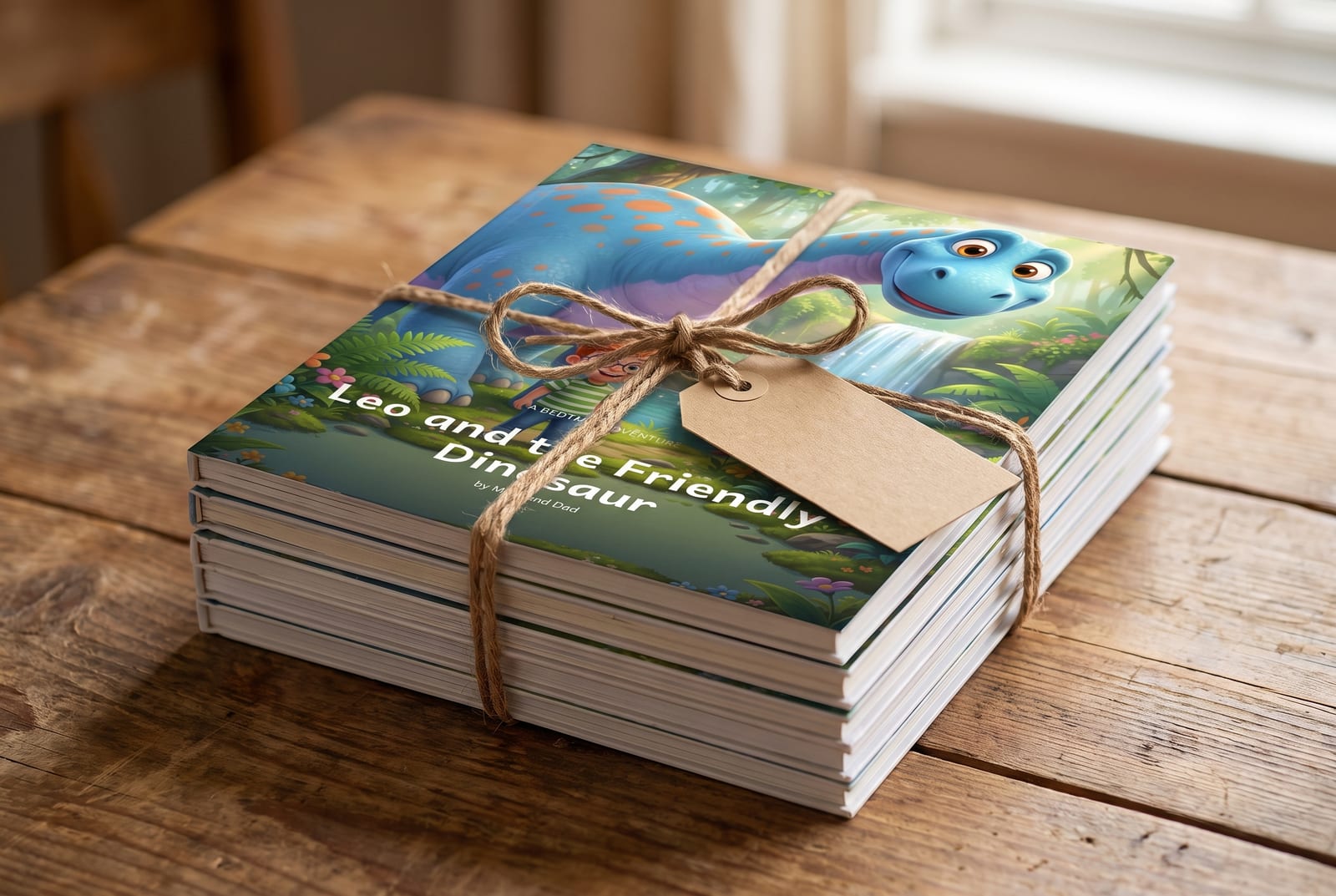
- The cover sells the book. Make the title big and readable at thumbnail size
- Show it to the people around you. Order author copies at cost for readings, school fairs and gifts
- Make the next one. A series with the same characters is easy when the characters stay the same on every page
Frequently asked
Can I sell an AI-illustrated book on Amazon KDP?
Yes. KDP accepts books with AI-generated images. When you publish, KDP asks whether the book contains AI-generated content, and you should answer yes for the images.
How much do I earn per copy on KDP?
On Amazon.com, 60% of the list price minus the printing cost for books priced at $9.99 or more, and 50% below. A picture book at $12.99 earns about $3.59 a copy, a coloring book at $9.99 about $3.15.
Do I have to buy books or keep stock to sell on KDP?
No. KDP prints each copy when a customer orders it and ships it for you. You only pay if you order copies for yourself.
How long does KDP take to publish a paperback?
KDP reviews the book after you click Publish, usually within 72 hours. Then it goes on sale in the Amazon marketplaces you chose.
- How to keep the same character on every page of an AI picture book
- How to turn a photo of your child into a picture book character
- How to make a children's book for Amazon KDP with AI
- Make a personalized bedtime story book starring your child
- Picture book illustration styles: watercolor, sketch, 3D and more
- How to print your own picture book with Amazon KDP