One description in. A whole book out.
You describe your character once, in plain words. The engine turns that into reference images it reuses on every page, so the hero on page 10 is the same hero from page 1. Here is the whole flow, step by step.
Describe your hero, once
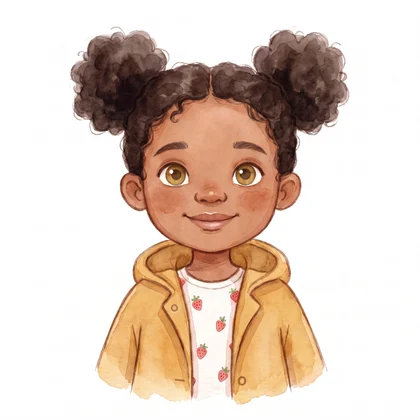
One plain-language description becomes two reference images: a full body and a face close-up. They travel with your character into every page of the book.
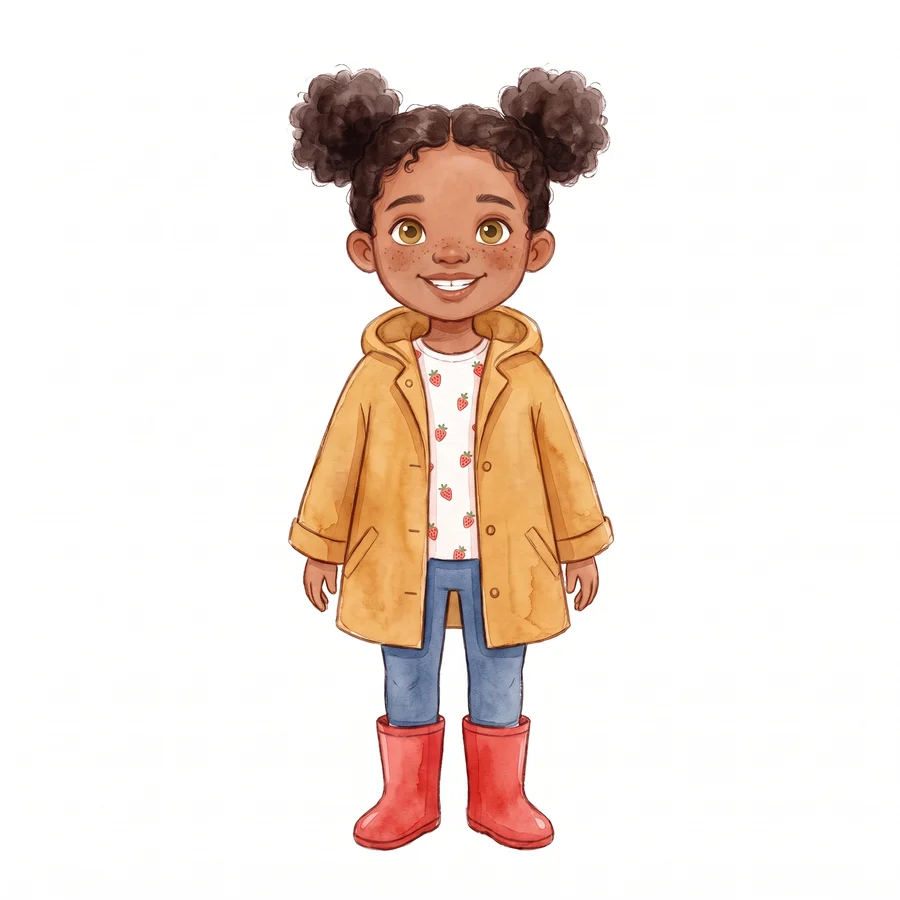
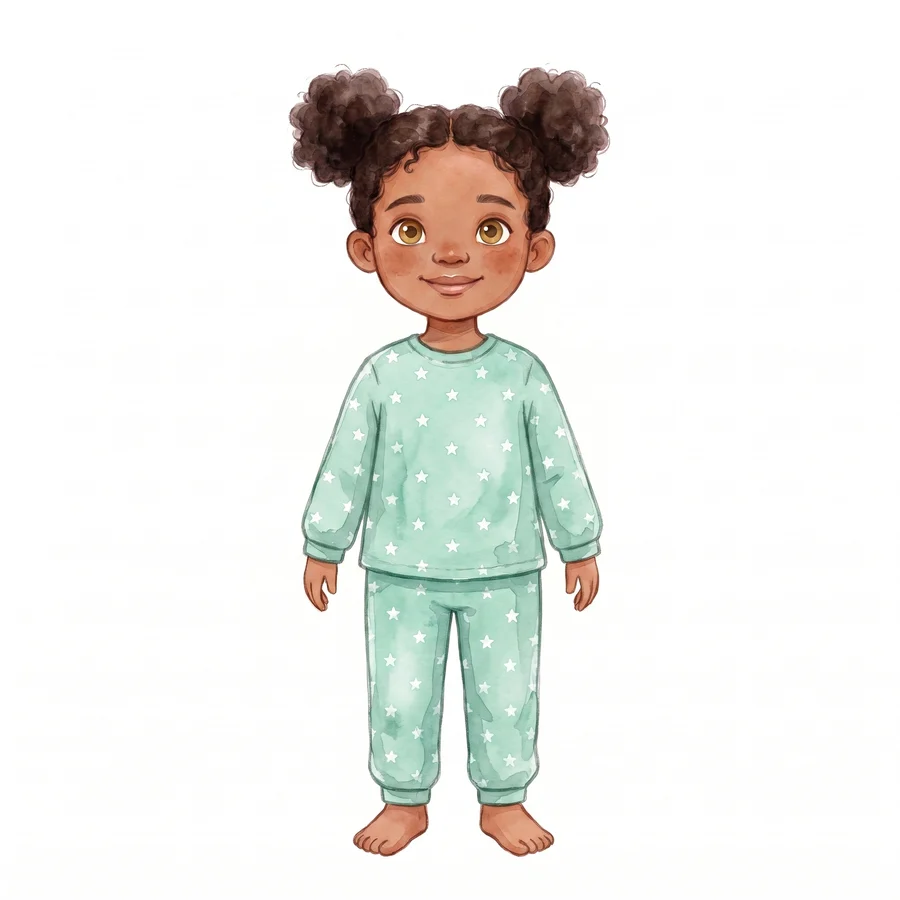
Change outfits and moods with one sentence
Need pyjamas for the bedtime page? Type one sentence and the engine creates a variation with the same face, built from the original reference. Places work the same way, the same garden by day or by night.
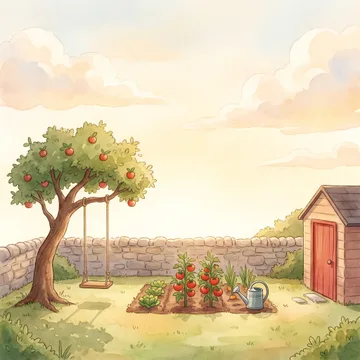
Add your places
Describe a place the same way you described your hero. It is drawn once and kept identical, every scene set in the garden shows the same crooked tree and the same stone wall.
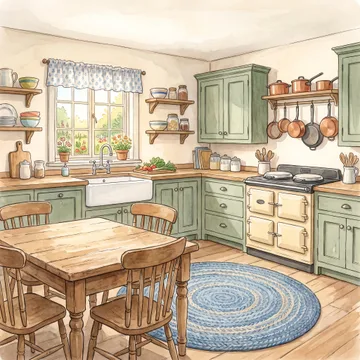
Build scenes in plain words
Pick who is in the scene, pick where it happens, and say what happens. Before you ever see the image, an automated quality check inspects it, the right characters, the right sizes, the small details like her strawberry-print shirt.
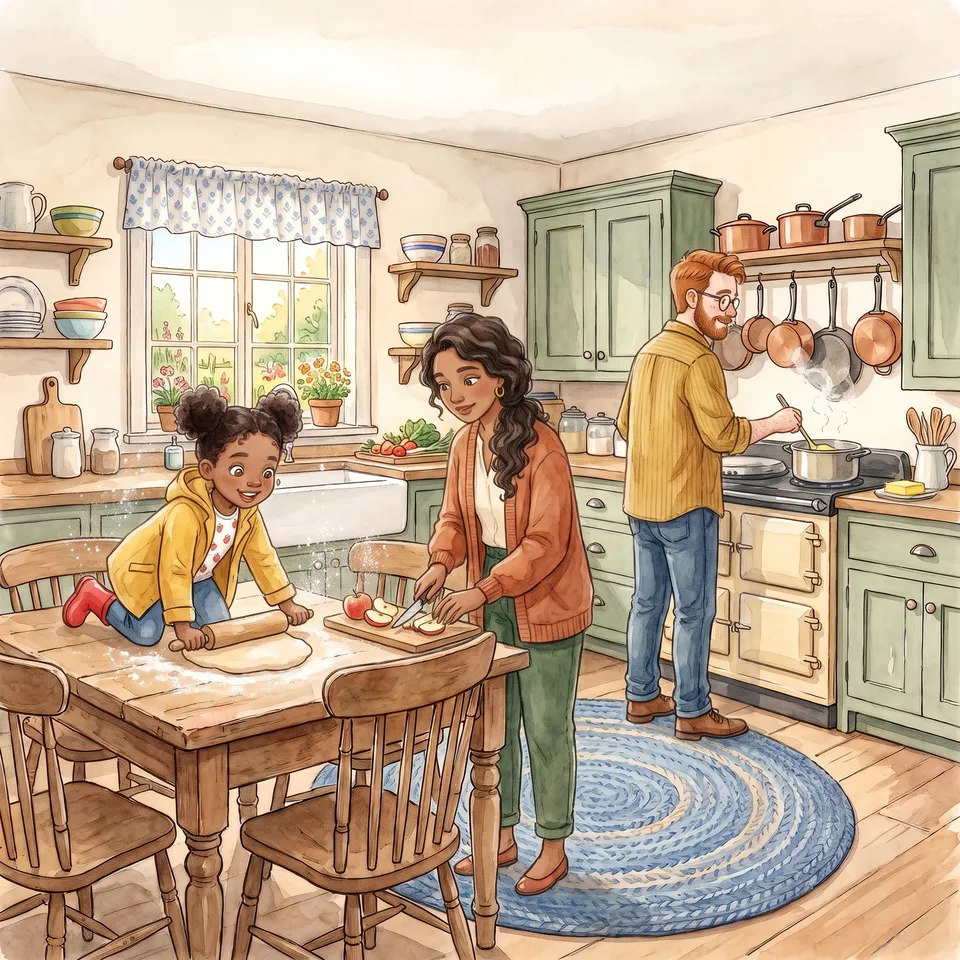
Something wrong? Just say it.
Type what bothers you, “Nora is too big”, “the swing is missing”, and only that part is repainted. The rest of the page stays exactly as it was. A fix costs one credit, the same as any image.
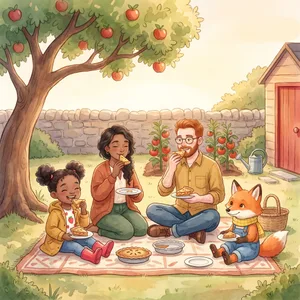
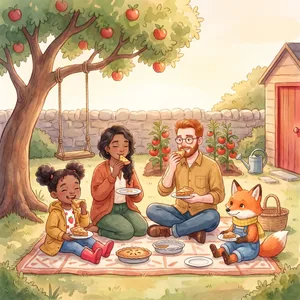
Write the words, export the book
Type your story text page by page and preview it as real book spreads. When it reads right, export a print-ready Amazon KDP interior PDF, correct trim and bleed, embedded fonts, AI-disclosure page included. No external design tool needed.
- Real spread preview, see your text on the page exactly as it will print
- KDP-ready PDF, correct trim size and bleed, fonts embedded
- AI-disclosure page, generated for you, as Amazon requires
Want to see a finished book made this way, prompts and all? Look inside a real book, or follow the first-book guide.