Variations
A variation is one sentence typed on top of something you already made. New pyjamas, the same garden at night, a rainy version of the playground, each is derived from the parent image, so the identity never drifts. Create it once, reuse it on any page.
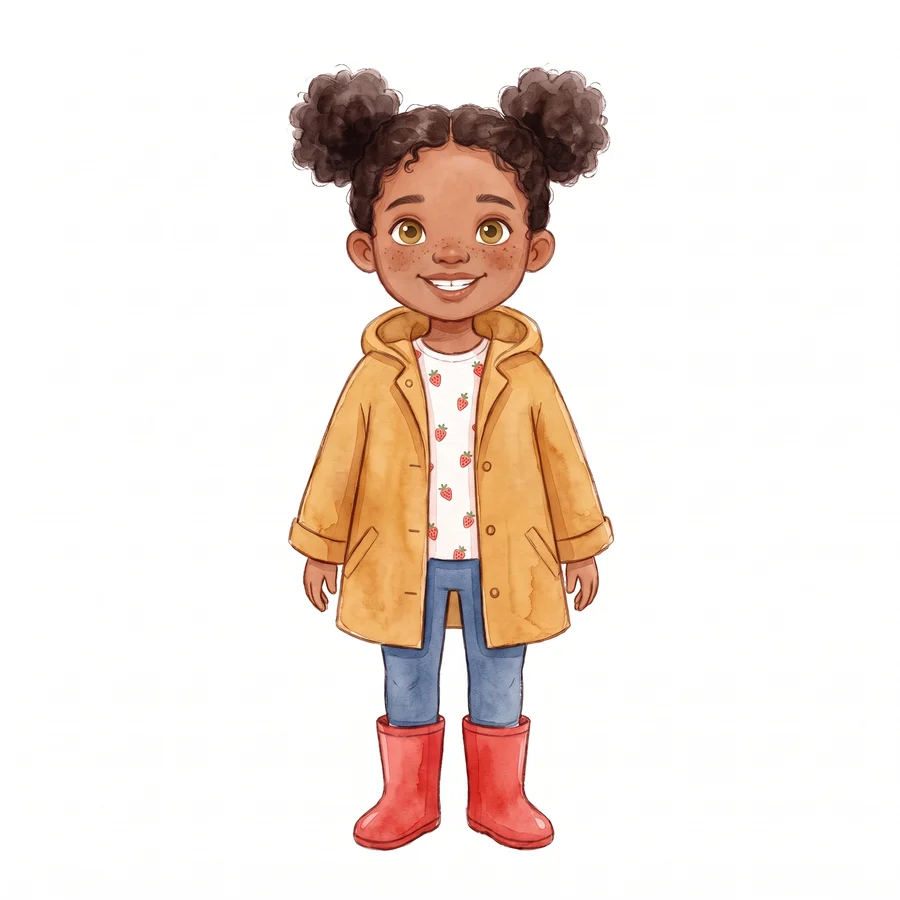
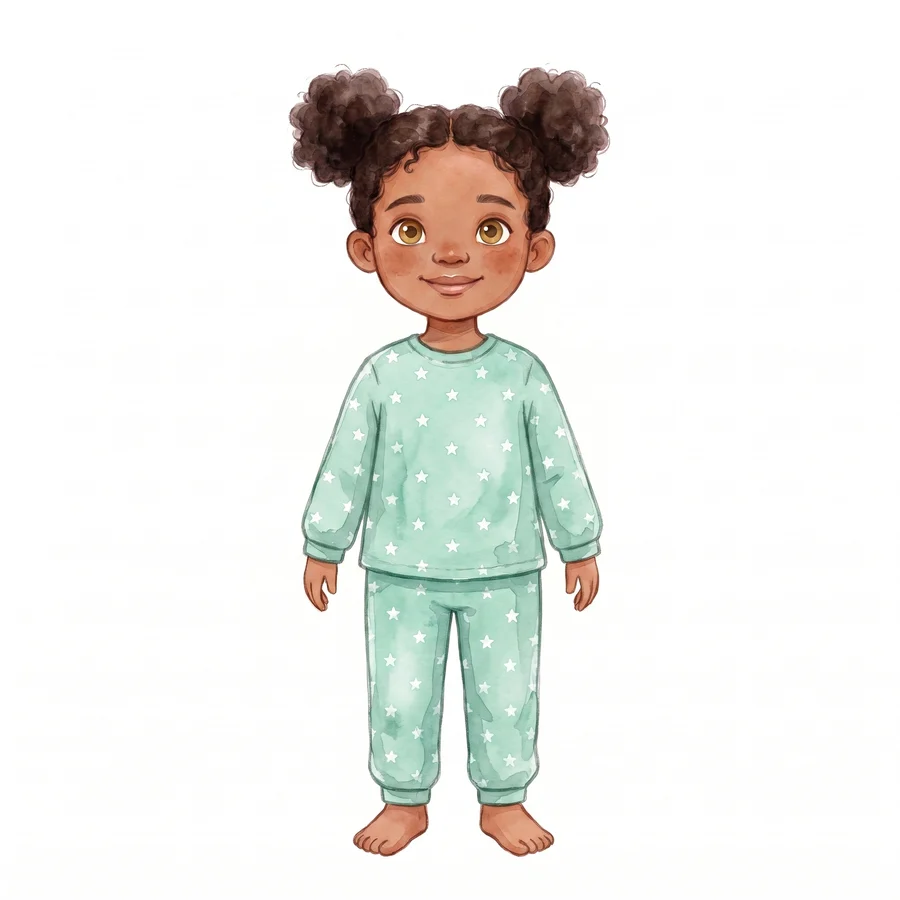
Same face, new clothes
Pick a character, type what changes, done. The variation is built from the character’s reference images, so the face, hair and proportions carry over untouched.
The same place, a different moment
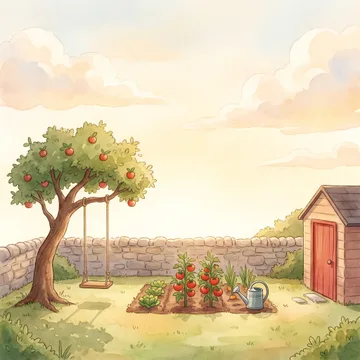
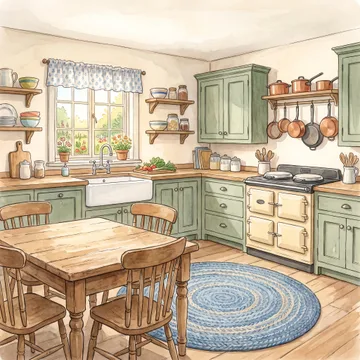
Places vary the same way. “The garden at night” or “the kitchen on a rainy morning” is derived from the parent image, the crooked tree, the stone wall and the red-doored shed stay exactly where they were, only the light and weather change.
Variations live next to their parent
Every variation appears alongside the original in your cast and places lists. When you build a scene, just pick the version you want.
- Derived, not redrawn, each variation starts from the parent image, so identity holds
- 1 credit each, a variation is one image, like any other
- Reusable everywhere, create the pyjamas once, use them on every bedtime page
New to characters? Start with the character guide, or see variations at work in a real finished book.